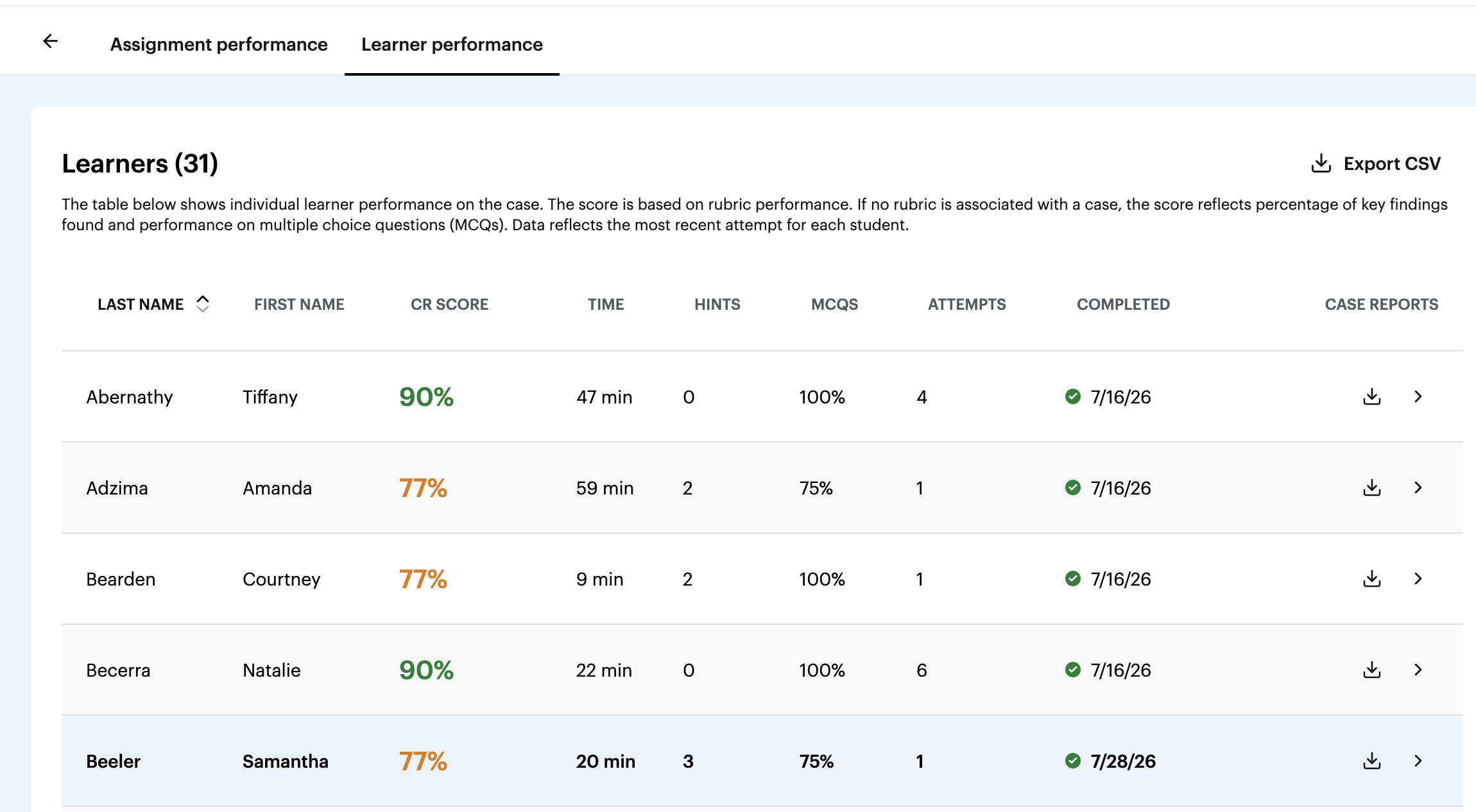
How can faculty view a student’s previous case attempts?
The Learner Performance view will always reflect the student’s most recent attempt at a case.
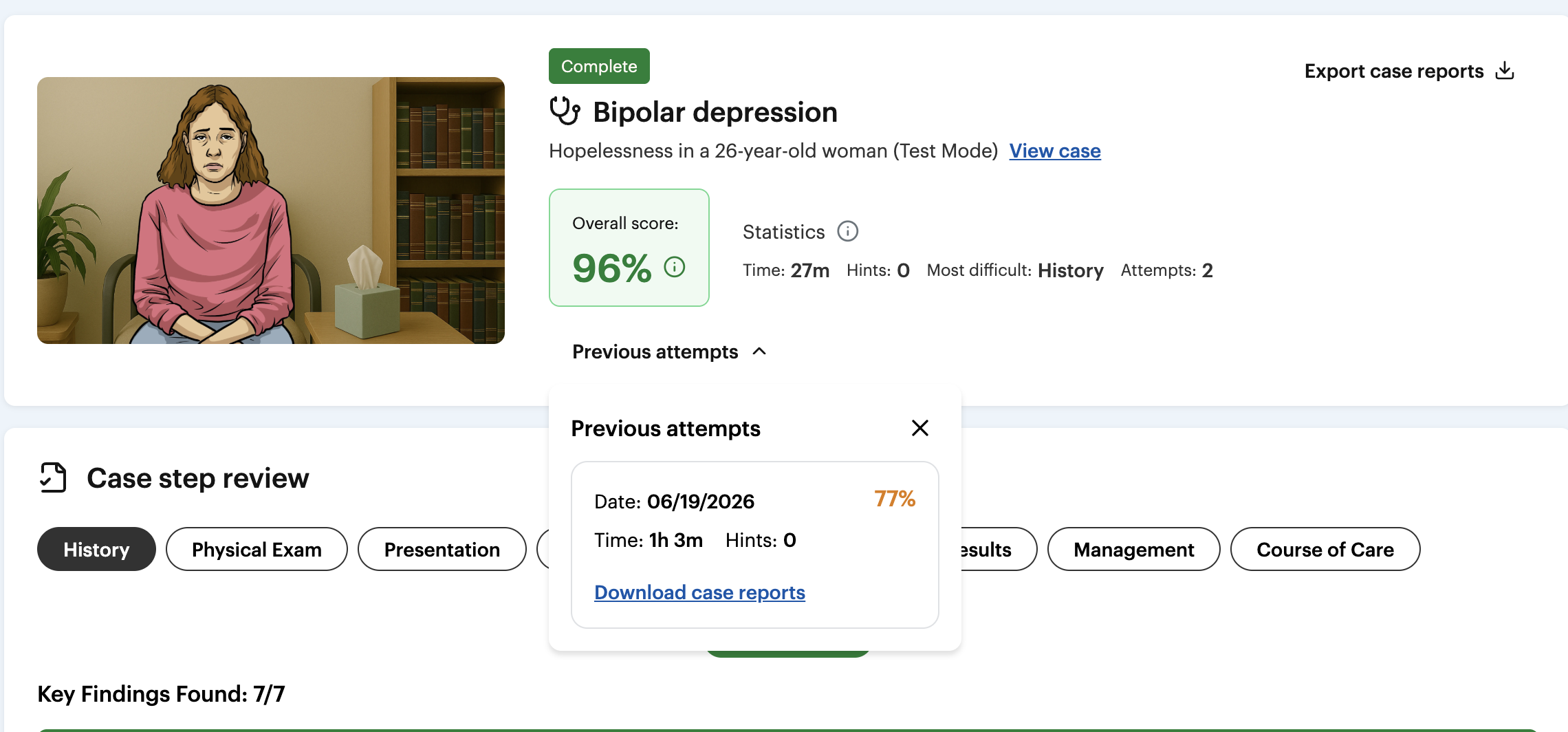
Faculty can also view a student’s full attempt history by navigating to the individual learner’s Case Overview page. From there, faculty can expand Previous Attempts to review each prior attempt, including:
Score
Time spent
Hints used
Downloadable case report, including the student’s full case transcript and SOAP note submission, if applicable
This allows faculty to quickly view a student’s most current performance while still tracking progression across multiple attempts and reviewing the details of each individual attempt.