Follow-along here for an interactive 6-step guide on how to review your completed case results, or follow the instructions below.
1. Navigate to https://ddx.sketchy.com/cases
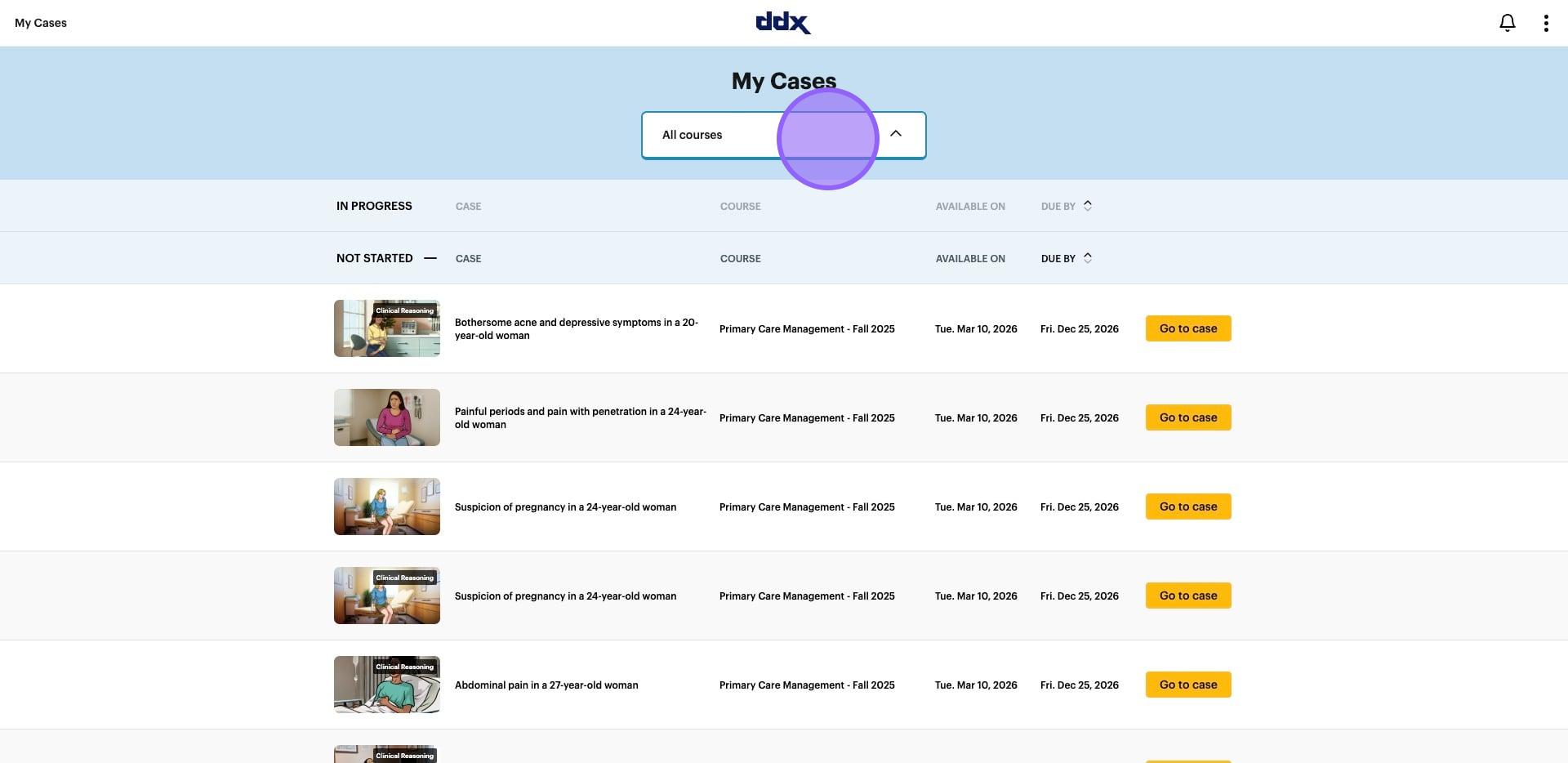
2. Click on "All courses"
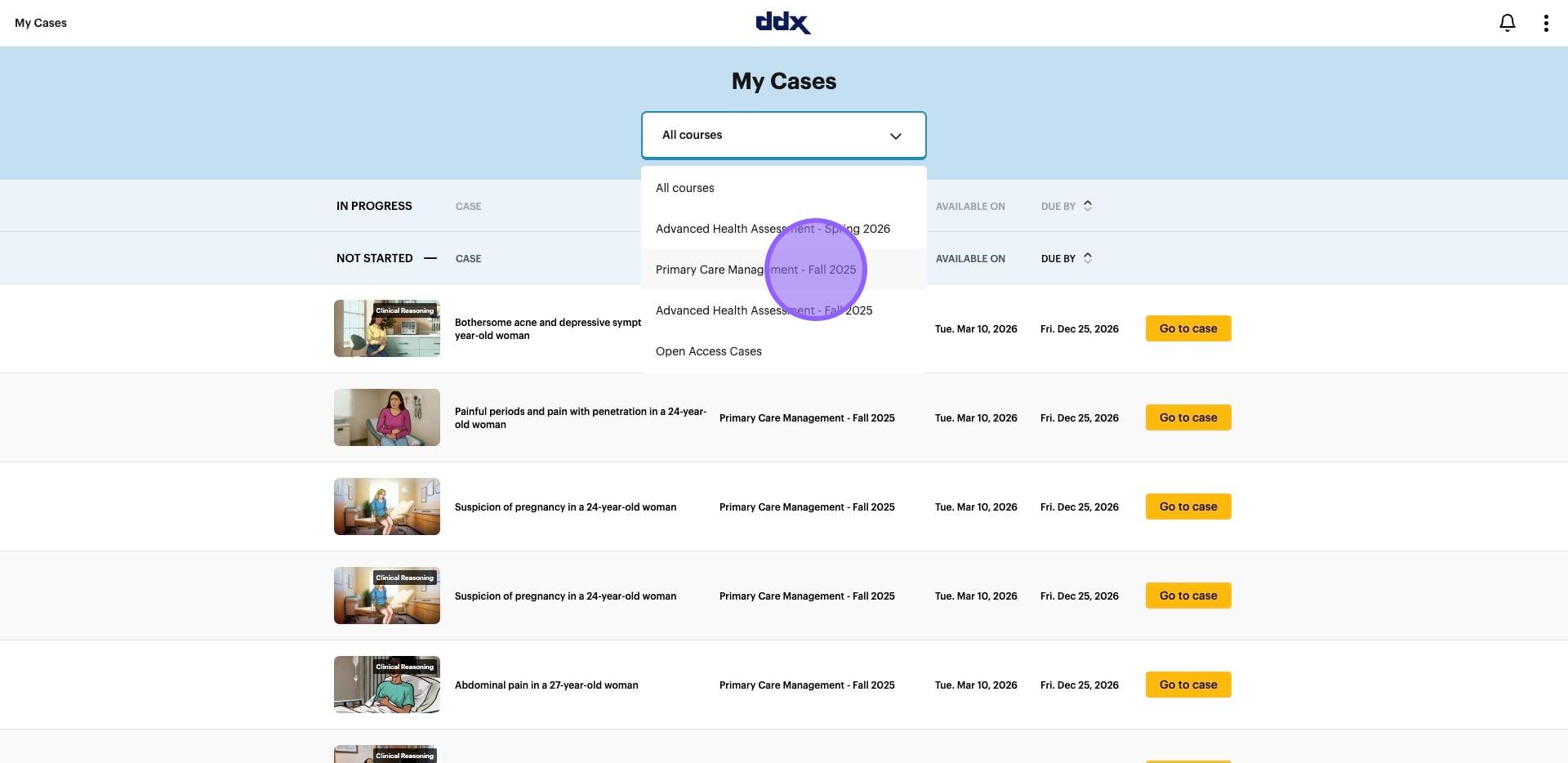
3. Click on your course
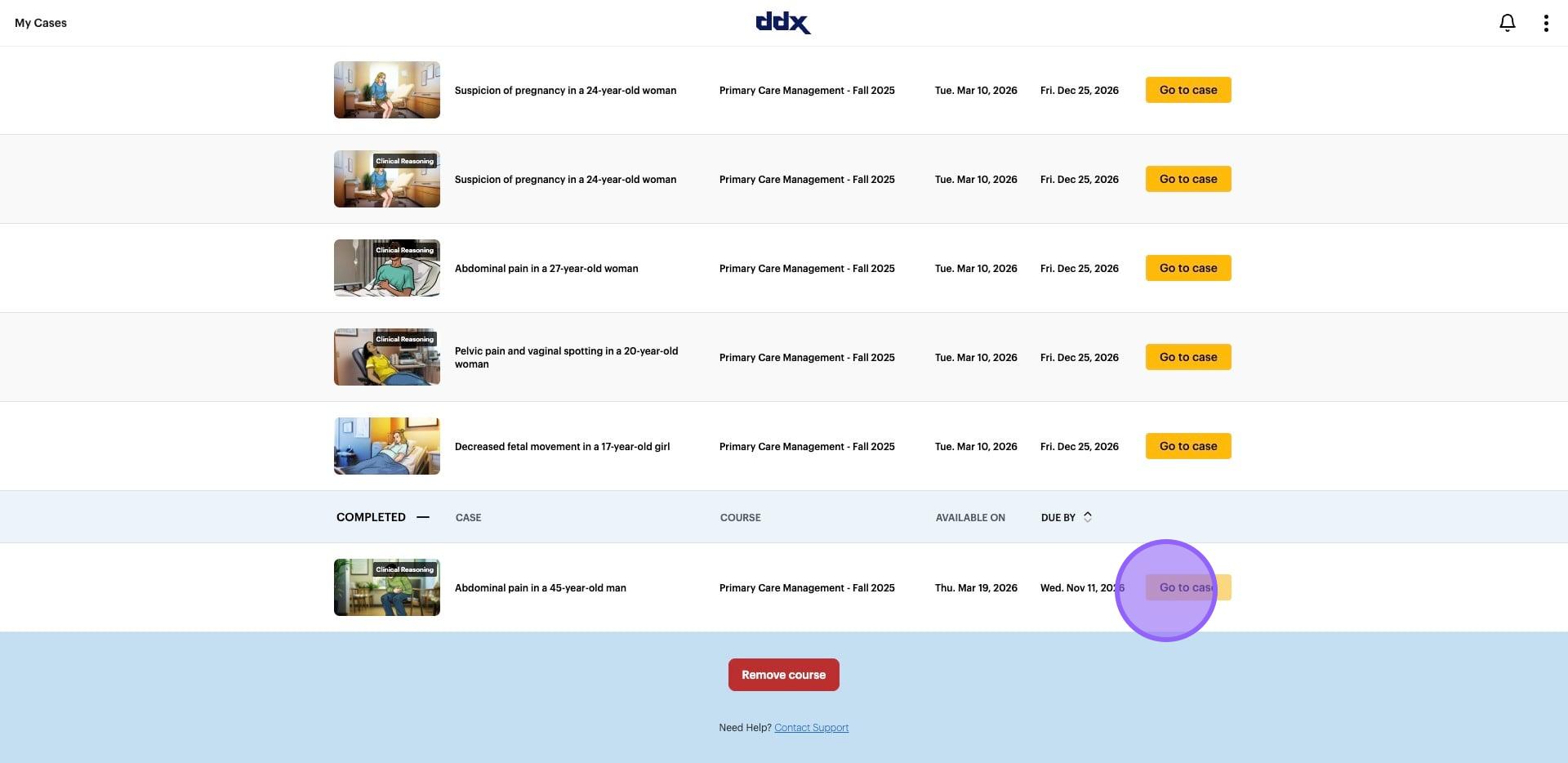
4. Navigate to "Completed" at the bottom of the page. Click on "Go to case"
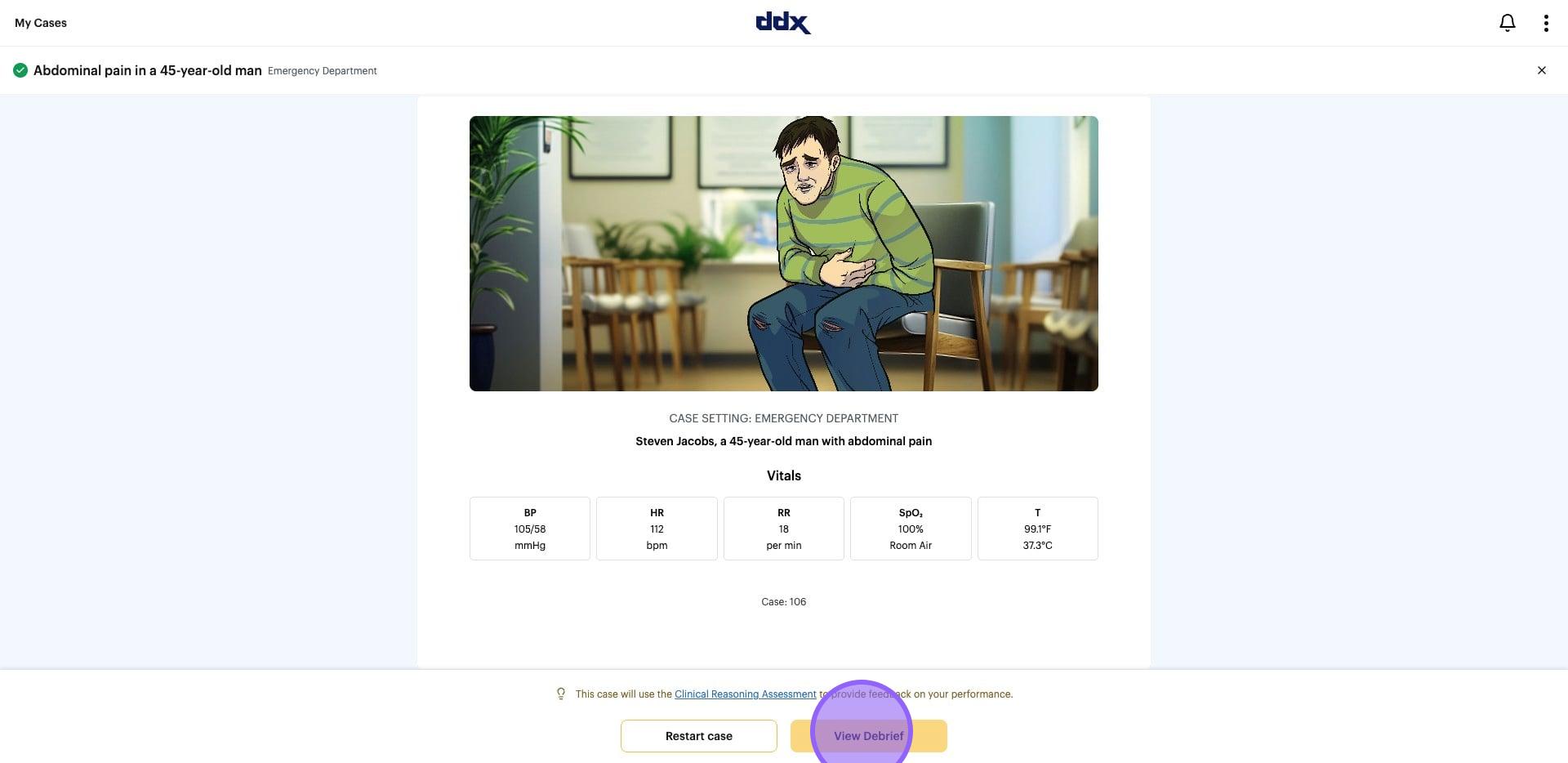
5. Click on "View Debrief"
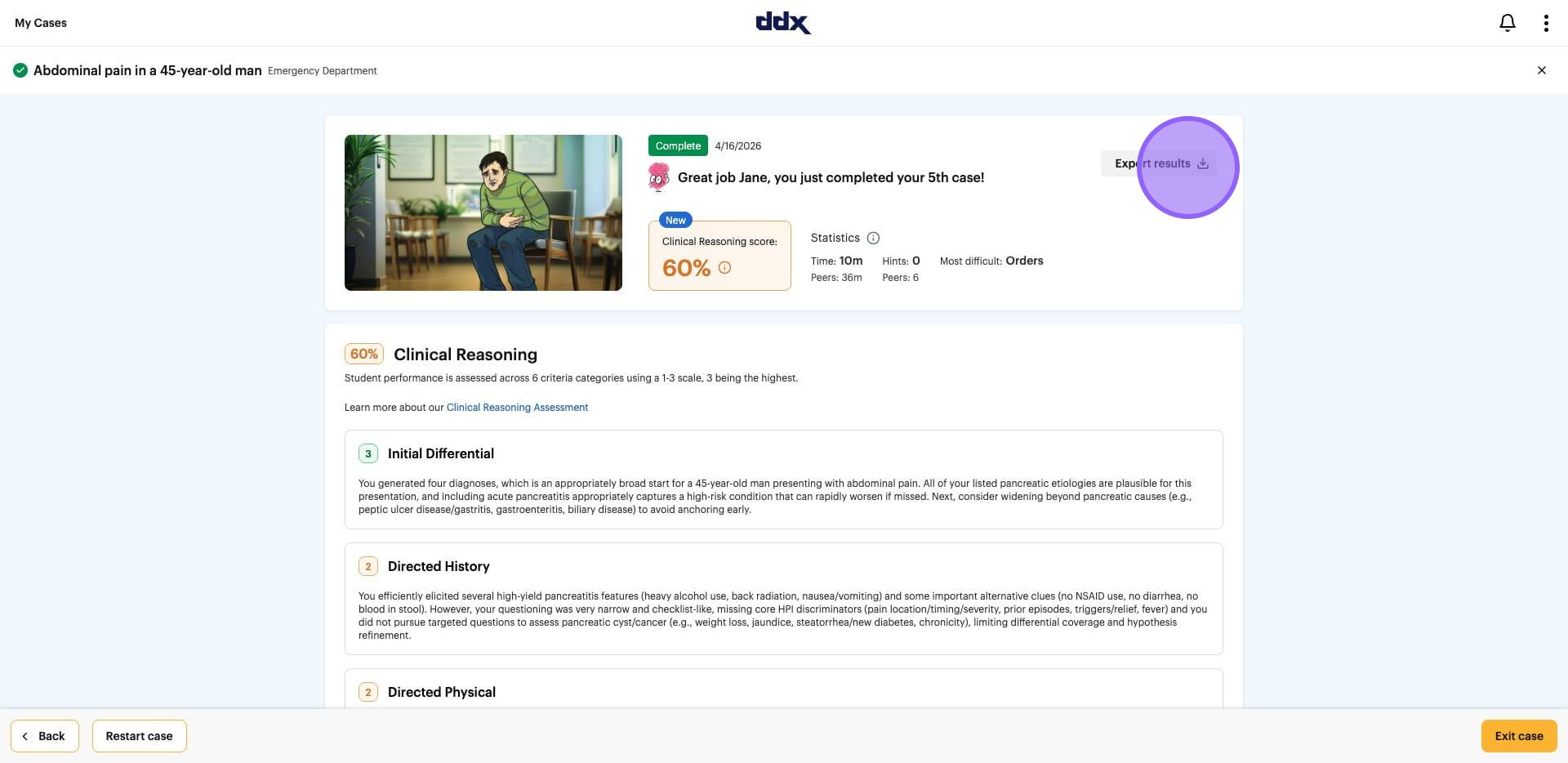
6. If needed, click on "Export results" or take your screenshot for upload here per your institution guidelines.